How to Choose Between a Generic AI Chatbot and a Custom Email Automation Solution
Almost everyone who handles customer email has by now tried a general-purpose AI chatbot. You paste in a message, ask for a reply and get a surprisingly fluent draft in seconds. It is natural to ask whether that is all you need. If a chatbot can write an email, why would a business pay for a custom email automation solution?
The honest answer is: sometimes it would not. For some situations a generic chatbot is perfectly adequate. For others, it solves the wrong problem. This article offers a practical framework for deciding which situation you are in. It does not argue that one option is better in general. It helps you compare them against what your team actually needs.
Two different things with a similar surface
The two options can look alike because both involve AI writing text. Underneath they are different kinds of tools.
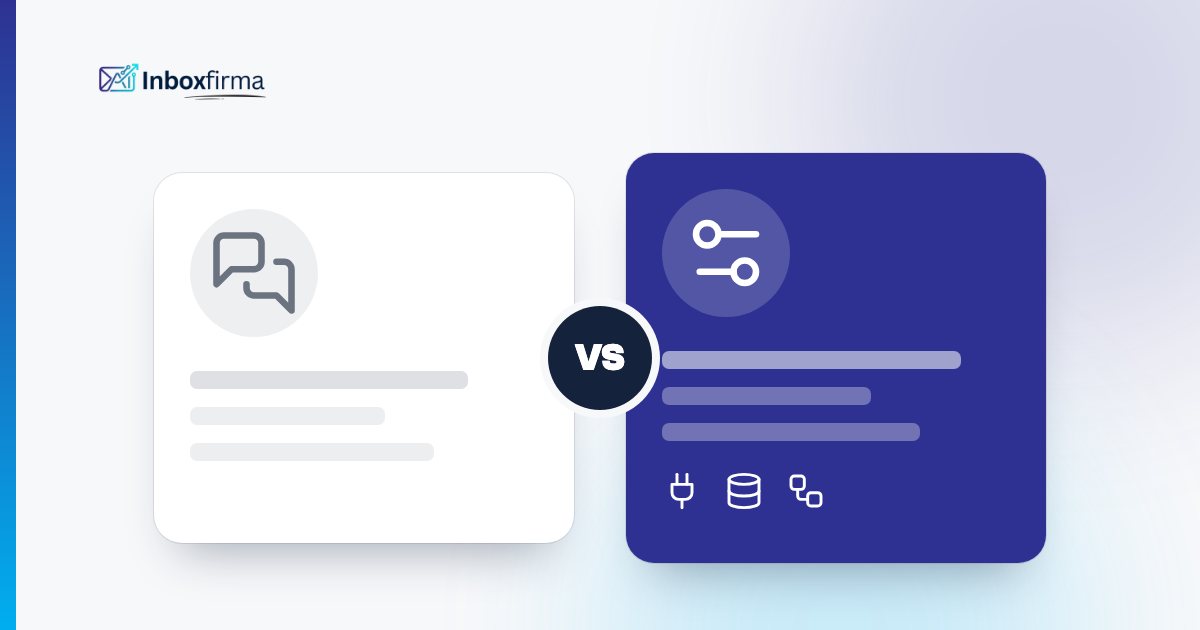
A generic AI chatbot is a general-purpose assistant. You open it, give it the context in each conversation and use the output as you see fit. It knows a great deal about the world and nothing about your business unless you tell it. It works on one message at a time and sits next to your email tool, not inside your process.
A custom email automation solution is set up around your mailbox and your processes. It receives incoming email, classifies it, draws on your knowledge and past replies, prepares or sends replies according to your rules and routes the difficult cases to people. It can be connected to the systems that hold the data needed to answer, where that is configured.
A third variant exists in between: AI features inside a helpdesk or ticketing tool. These can be convenient if your team already works in that tool, but they follow the tool's own model of tickets and workflows. The questions below apply to them as well.
What email handling actually requires
To compare fairly, start from the work itself. Handling customer email at volume usually involves more than writing text:
- Receiving and sorting. Every message has to arrive somewhere, be recognised and be put into the right category.
- Understanding the context. Who is this customer? What did we say before? Which product or contract is meant?
- Finding the facts. Order status, document status, policy details, the content of an attachment.
- Writing in your voice. Tone, structure and level of detail that match how your company communicates.
- Deciding who sends what. Some replies can go out automatically, some need approval, some must go to a person.
- Acting in other systems. Updating a record, creating an entry or starting a process, where that is appropriate.
- Learning and reviewing. Seeing what was sent, correcting it and improving the setup.
A generic chatbot is strong at step 4 and can help with step 3 if you supply the facts. The other steps are your own responsibility, and they are where most of the time goes.
Where a generic chatbot is enough
A general-purpose tool is often a sensible choice when:
- The volume is low. If you handle a handful of messages a day, copying text into a chatbot costs little.
- Every message is different. When requests are rarely repetitive, there is little to standardise.
- The people writing are the experts. If staff only need help with phrasing, a chatbot as a writing aid fits.
- No systems are involved. If replies do not depend on lookups or actions in other software, the integration question does not arise.
- You are exploring. Using a chatbot is a cheap way to learn what AI drafting can and cannot do for your mail.
In these cases, a custom solution would add effort without adding much value. Starting simple is a reasonable decision.
Where a custom solution starts to make sense
The picture changes when some of the following apply:
- High, steady volume of recurring requests. When the same types of email arrive every day, standardising and automating them pays off.
- Replies depend on your data. If an answer needs an order status, a case status or a document, the solution must be connected to where that information lives.
- You need rules about what may be sent. If some replies can go out automatically while others need approval or must go to a person, you need a system that enforces this consistently, not individual discipline.
- Several people or mailboxes are involved. A shared setup with named agents, shared knowledge and consistent tone is hard to achieve with individual chatbot sessions.
- Sensitive mail must be handled carefully. If part of your mail is legal or sensitive, routing it to a person is a requirement, not an option.
- You want to review and improve systematically. Seeing what was sent and measuring the effect needs a system that records it.
Comparing the two by criteria
Here is a way to compare them point by point. These are general descriptions of the two categories, not assessments of particular products:
- Setup effort. A generic chatbot is available immediately. A custom solution needs configuration: categories, knowledge, rules and tests. With a done-for-you provider, that work is done for you, but it takes time and has a cost.
- Knowledge of your business. A chatbot knows what you paste into it. A custom solution is configured with your knowledge, past replies and documents.
- Consistency. A chatbot's output depends on each prompt. A configured solution applies the same categories and rules to every message.
- Control. A chatbot gives you text and leaves all decisions to people. A custom solution can enforce who approves what.
- Systems. A chatbot does not reach into your systems. A custom solution can be connected to them where integrations are scoped and set up.
- Where the work happens. A chatbot works next to your mailbox. A custom solution handles the mail itself, with reading, drafting, approving and replying inside its own application.
- Cost structure. A chatbot is typically a low subscription cost per user. A custom solution typically involves a setup fee plus a monthly fee, and is worth it when the time saved is significant.
Questions to ask before deciding
To decide for your own situation, answer these honestly:
- How many customer emails do we handle per week, and how many of them are variations of a few request types?
- How much time does our team spend on routine replies?
- Do the answers depend on information in other systems?
- Is there a part of our mail that must never be answered automatically?
- How important is a consistent tone across all employees?
- Do we need to see and control what was sent?
- Do we have someone who can maintain a configuration, or do we prefer a done-for-you service?
If the answers point to low volume, varied requests and no systems, a chatbot may be enough. If they point to high recurring volume, data dependence and a need for control, a custom solution deserves a closer look.
What to ask a provider of custom email automation
If you do consider a custom solution, ask specific questions. Good providers should be able to answer them plainly:
- How does the solution get my email, and where does the work happen? For example, whether the mailbox is connected as a source and processing takes place in the provider's application.
- What can it do by default, and what requires a custom integration? Be wary of vague claims about connecting to everything.
- Who decides what is sent automatically? The answer should be you, through rules you can see and change.
- What happens with legal and sensitive mail? It should go to a person, not be answered automatically.
- How do approval and review work? Ask to see how drafts are approved and how you can check what was sent.
- Where is the data hosted, and can the system run on my own infrastructure? Ask for specifics.
- What does the setup involve, and how long does it take? A realistic answer includes the effort on your side as well.
- How are results measured? Ask what reporting is available and who agrees which targets.
Start small either way
Regardless of the option you favour, a limited trial beats a long debate. Pick one mailbox and two or three categories. Compare the results with your baseline: time to first reply, how many drafts needed changes and how much time the team spent. With a chatbot, that means measuring the effect of using it as a writing aid. With a custom solution, a structured pilot, with approval on from the start, serves the same purpose. Our 30-day AI email pilot is built around this idea.
Where InboxFirma fits
InboxFirma is a custom, done-for-you AI application for email support, not a generic chatbot and not a CRM. Your support mailbox is connected as a source, for example via IMAP/SMTP, Microsoft 365 or Google Workspace, and reading, drafting, approval and replying happen inside the InboxFirma application. It is trained and configured on your own past replies and knowledge. Legal and sensitive mail goes to a person, and the rest follows rules you set, including confidence-based approval. Actions in your systems are possible through custom integrations that are scoped individually.
If that sounds like what you need, the features of our custom AI email support give a fuller overview, and the AI email automation pricing explains the packages. If your visitors mostly ask questions on your website rather than by email, our separate AI chatbot for your website is built for that. If a generic chatbot is all your situation calls for, that is a perfectly good outcome too.
Whichever you choose, the decision should follow your mail, your systems and your need for control, rather than the other way round. If you want a second opinion on your own volume, you can talk to us about it.