Approve AI replies before sending
You decide which replies a person reviews. Legal and sensitive emails always go to a person. How the approval levels work is explained in the article on confidence-based approval.

Features
The feature overview of the InboxFirma AI email assistant: a complete web application, from recognizing a customer request to the finished reply, which our team configures for your business – not an off-the-shelf product.
Classifies every incoming email by intent: it recognizes the customer request, content and priority.
InboxFirma reads the subject and text of every incoming email, and, depending on your package, attachments such as PDFs or signed forms, and works out what it is about and how urgent it is. Legal and sensitive emails are not answered automatically but passed to a person.
Sorts emails by topic, priority and the responsible team or staff member.
You decide which categories exist, for example invoice, cancellation or change of address, and who is responsible for each. Every new email is sorted accordingly and passed to the right team or agent.
Drafts suitable replies from your company knowledge and past communication and, where integrated, live business data.
Reply drafts are based on your company information and your previous replies, in your company's tone. Depending on the agreed rules and approval levels, the AI email assistant can answer suitable emails automatically. Cases with low confidence or a defined need for review are forwarded for manual approval.
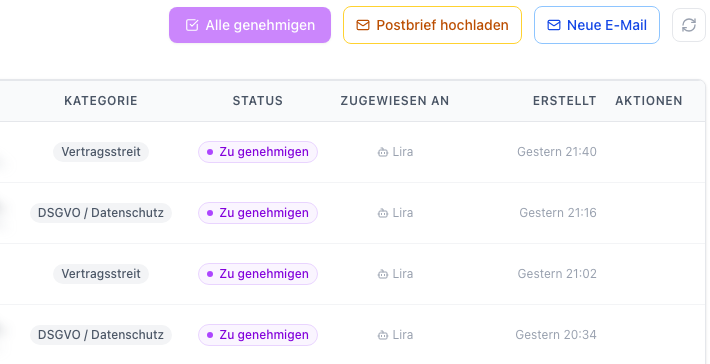
Uses your FAQs, documents and internal information as a knowledge base for precise answers.
Your approved FAQs, documents, guidelines and product information serve as the knowledge base. Replies draw on these sources, and the knowledge base can be updated when something changes in your business.
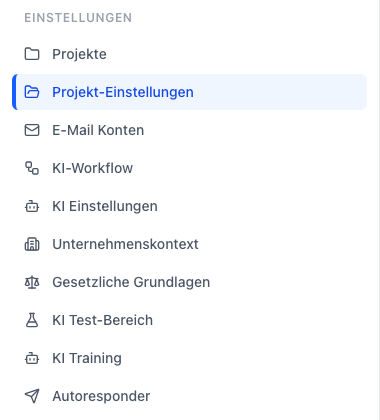
Automates defined email processes and routes messages to the right place.
Several named agents can take on different tasks, such as billing or contracts, and rules define when a message is escalated to a person. Actions in your own systems are possible through custom integrations and are agreed project by project.
Handles customer requests in several languages, with no extra effort for your team.
Customer requests are handled in the languages agreed for your project. Tone and rules stay consistent across all languages.
Control & systems
How AI email automation turns an email into a finished reply is shown in How it works. Examples from daily work: property management, tax advisors, insurance and wholesale.
You decide which replies a person reviews. Legal and sensitive emails always go to a person. How the approval levels work is explained in the article on confidence-based approval.
PDFs, forms and signed documents can be taken into account when an email is assessed. Which functions come with which package is listed on the pricing page.
Through custom integrations, InboxFirma can retrieve information from your systems. Actions are only prepared or carried out where they are explicitly authorised; scope and approvals are agreed with you project by project. More under integrations.
Consultation